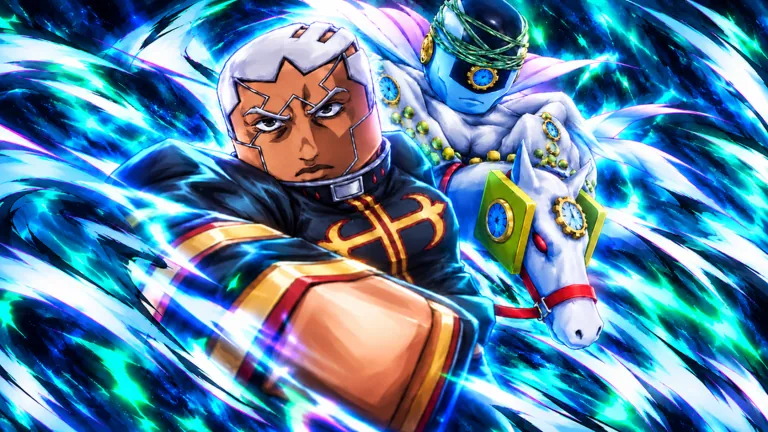
 Official The Bizarre Journey imagery; in-game systems may change after updates.
The official community channels for The Bizarre Journey on Roblox help players connect with fellow survival adventurers, track updates from the developer Bizarre Journey (Group), and coordinate strategies for facing powerful bosses. Engaging with the community hub allows you to find active groups, share loadout tips, and stay informed on game maintenance and patches.
What is The Bizarre Journey Discord?
The Bizarre Journey Discord serves as the central hub for the game's player base, acting as a gathering space for fans of this JoJo’s Bizarre Adventure-inspired Roblox experience. Within the server, players can discuss mechanics, report bugs, and find trading or group-up partners. Because the game features survival adventure elements across scorching Egyptian deserts and a lawless Western frontier, having a dedicated community space helps players team up for tougher encounters.
Community spaces also provide a direct line to announcements regarding server status and upcoming features. Since the game is actively updated by Bizarre Journey (Group), checking the official announcements channel is the fastest way to learn about balance changes or new content drops.
How to Find Valid Invite Links Safely
Finding the correct invite link requires caution to avoid falling for phishing scams or unofficial fan servers masquerading as the main community. Always look for links shared directly through verified official channels associated with the game's Roblox place page or trusted social media feeds.
Avoid clicking random shortened links posted by unverified accounts in public Roblox chat servers. Scammers frequently target popular anime-inspired Roblox games by sharing malicious links disguised as community invites or reward codes.
What Channels to Expect in the Community Server
Once you successfully join a properly vetted community server for the experience, you will typically find a structured layout designed to keep discussions organized. Knowing what to look for helps you navigate the server efficiently:
- Announcements: Official patch notes, maintenance warnings, and major game updates from the development team.
- General Chat: Casual conversations with other players exploring the desert and Western frontier environments.
- Trading or Marketplace: Dedicated spaces where players discuss loot, accessories, and gear loadouts.
- Bug Reports: Channels designated for submitting technical issues or glitches encountered during gameplay.
Roblox Experience Overview
Understanding the core scope of The Bizarre Journey helps you contextualize the discussions happening within community channels. The table below outlines key metadata regarding the Roblox experience:
| Feature | Official Detail |
|---|---|
| Type | Roblox Experience |
| Developer / Creator | Bizarre Journey (Group) |
| Universe ID | 10766431714 |
| Max Players per Server | 25 |
| Release Date | September 14, 2026 |
FAQ
How do I find the official Discord link for The Bizarre Journey?
The safest way to find the official link is by checking the developer group's social links on Roblox or checking verified community showcases associated with the game's release updates.
Can I report bugs directly through the community server?
Most organized community servers feature dedicated bug report channels where players can detail technical issues for the developers to review.
Are there trading channels in the community hub?
Many community servers include spaces for discussing in-game items, loot acquisition, and accessory loadouts with fellow players.
What should I do if an invite link expires?
If an invite link fails to work, return to the official game page or creator profile to find a refreshed, valid invitation link.