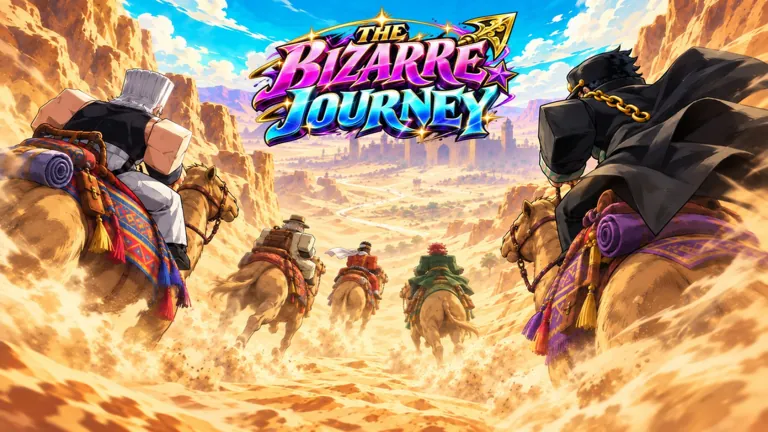
 Official The Bizarre Journey imagery; in-game systems may change after updates.
Setting up or joining The Bizarre Journey private server allows players to explore the JoJo’s Bizarre Adventure-inspired survival experience without the interference of public server crowds. While public sessions host up to 25 players across scorching Egyptian deserts and lawless Western frontiers, private sessions offer a controlled environment for progression, boss fights, and loot gathering.
Understanding Private Servers in The Bizarre Journey
Private servers in Roblox experiences are generally utilized to escape random player interruptions, farm bosses efficiently, and coordinate group strategies. In The Bizarre Journey, where players must journey across dangerous regions to face powerful bosses and DIO, having an exclusive session can significantly streamline progression.
Depending on the current Roblox update and creator settings, private instances typically require a monthly Robux subscription managed directly through the official experience place page. Because features related to multi-place universes or customized VIP menus can change, players should inspect the experience's main store page on Roblox to verify the exact current Robux cost and configuration options.
How to Access a Private Server
If you want to purchase or join an active private instance for your group, follow these steps carefully:
- Navigate to the official Roblox place page for The Bizarre Journey (universe ID 10766431714) created by Bizarre Journey (Group).
- Scroll down to the Servers tab located beneath the main game description and play button.
- Locate the Private Servers section and click the button to purchase a new server if you do not already own one.
- Enter a custom name for your server when prompted by the Roblox prompt window.
- Confirm the Robux transaction to complete your purchase and register the server to your account.
- Click the Join button next to your newly created private server entry to launch the game session directly.
Managing Private Server Access and Settings
Once your private instance is active, controlling who enters the game is essential for a smooth survival adventure. Experience developers often implement configuration menus inside private sessions that allow owners to kick unwanted users or whitelist trusted allies.
Because Roblox private server configurations are tied to specific universe structures, multi-place teleportation mechanics can occasionally restrict how deep your party can travel without specific engine support. If you experience unexpected disconnects when moving between sub-places or specialized worlds, check official community channels for any known bugs or developer updates regarding server stability.
Comparing Public and Private Sessions
Choosing between a public session and a private server depends entirely on your current gameplay goals, whether you are looking for community interaction or uninterrupted grinding.
| Feature | Public Servers | Private Servers |
|---|---|---|
| Player Limit | Up to 25 players per server | Customizable / Restricted to invited users |
| Boss Farming | Highly contested by random players | Uncontested and predictable spawns |
| Cost | Free to join | Requires Robux purchase |
| Environment | Crowded deserts and frontier zones | Peaceful or strictly controlled group play |
FAQ
How much does a The Bizarre Journey private server cost?
Private server pricing is handled directly through the Roblox platform and is subject to change by the developer group. You can check the exact current Robux price by viewing the "Servers" tab on the official experience page.
Can my friends join my private server for free?
Yes, once you own and configure a private session, friends who have permission to join you can enter your server directly through the server list or by following your profile into the game.
Are codes active inside private servers?
Yes, redemption codes for items like Stand Arrows and Clan Rolls function identically whether you redeem them in a public or a private session. You can enter active codes through the in-game menu after joining your server.
What should I do if my private server fails to load?
If a private session fails to load properly, Roblox platform outages or recent game updates may be temporarily affecting server connectivity. Try restarting your Roblox client or checking the official community Discord server for status announcements.